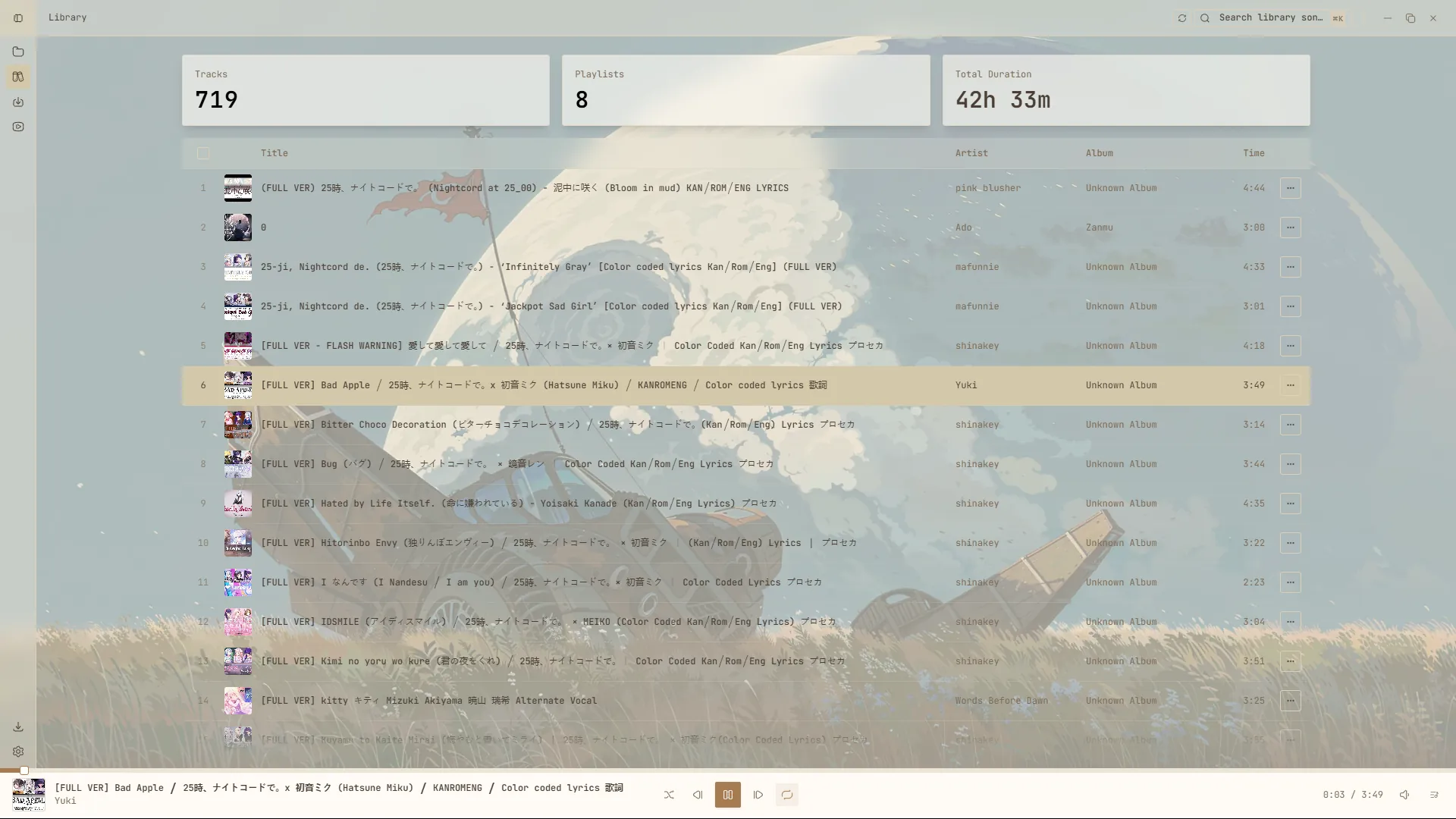
Local library
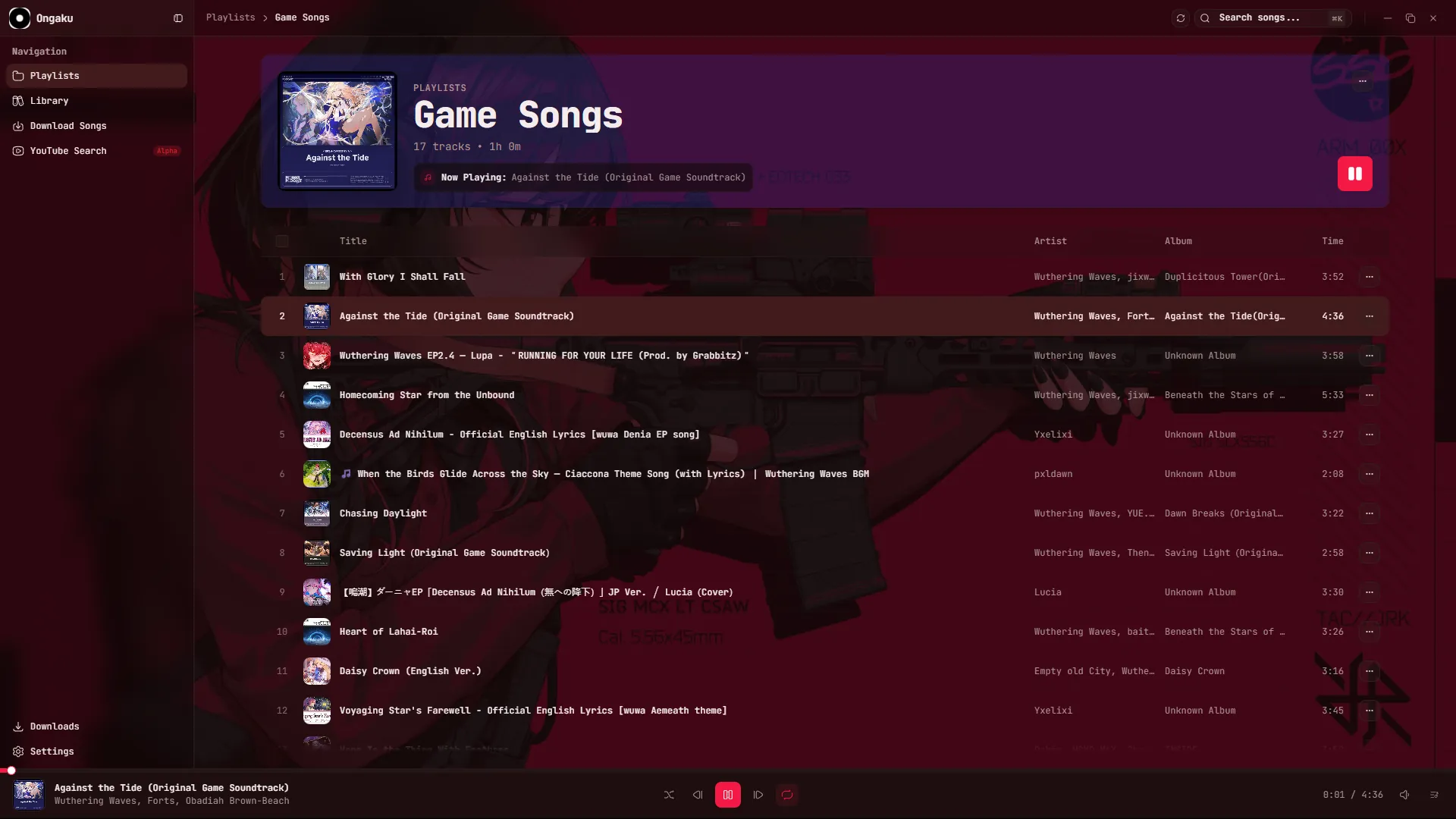
Scan folders, read tags and play your own files with a native audio engine.

Ongaku plays your local library, searches YouTube and downloads tracks in one small native app. No account, no feed, no noise.
Free for Windows, Apple silicon Macs, and Linux.
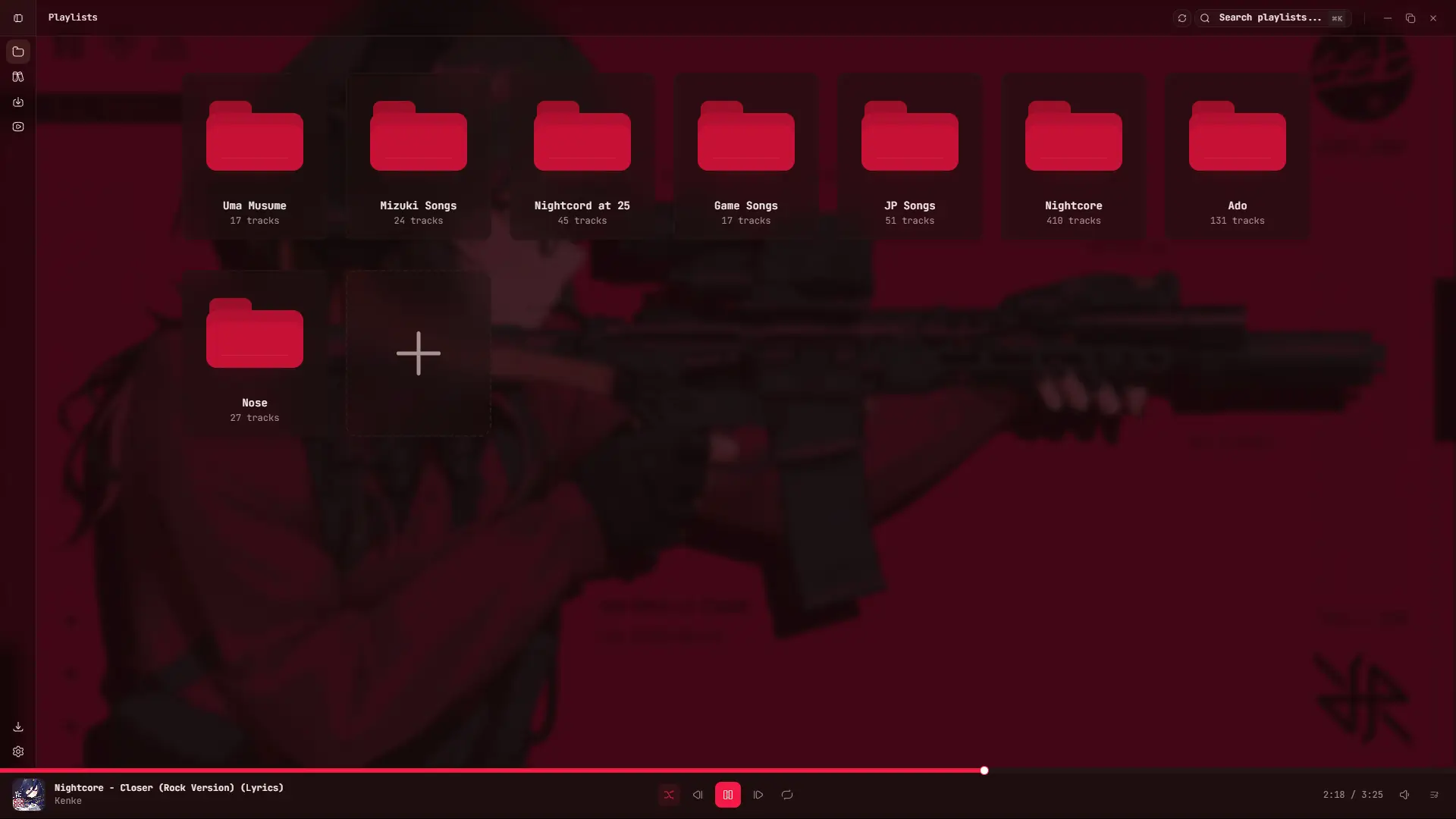
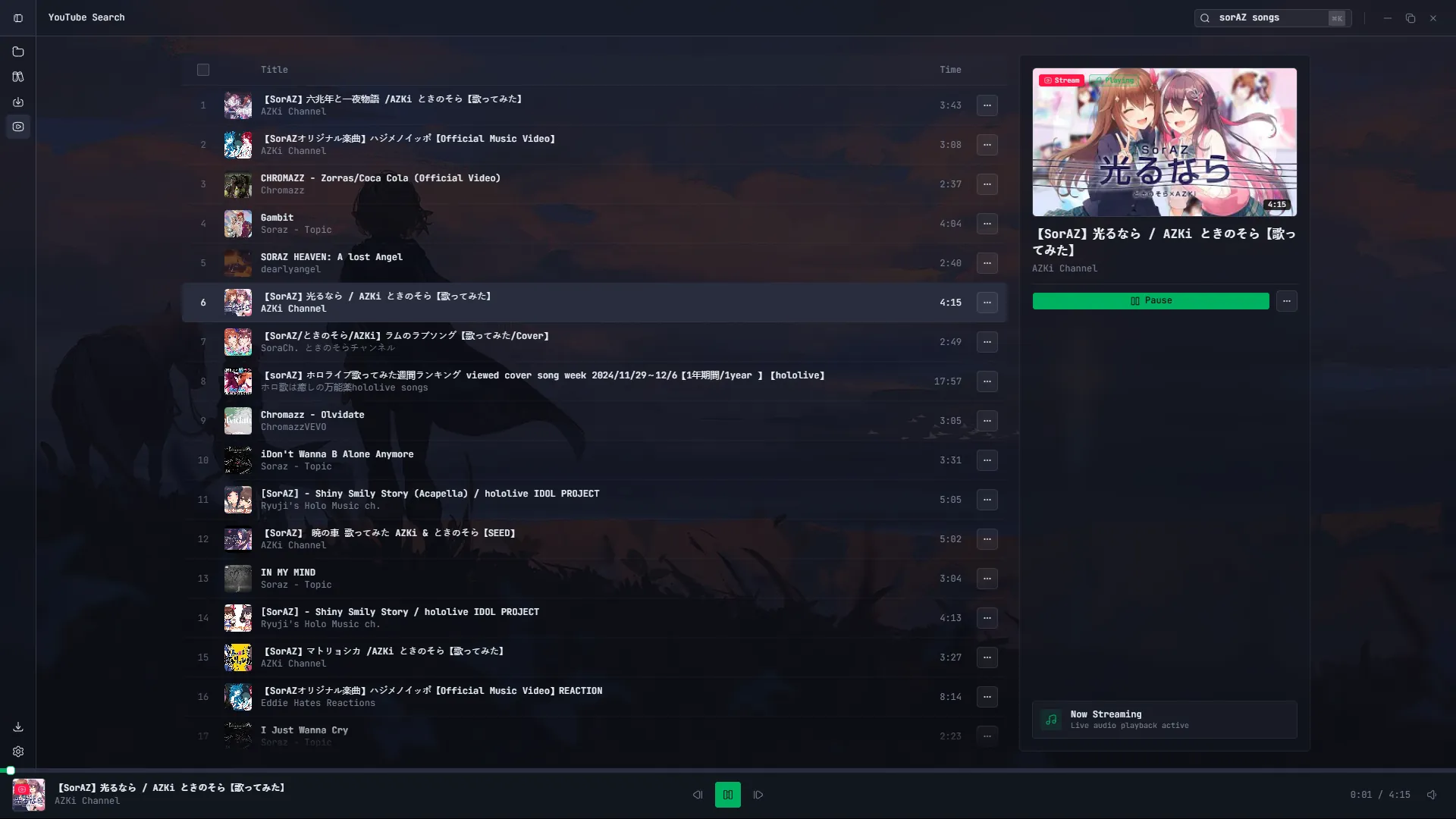
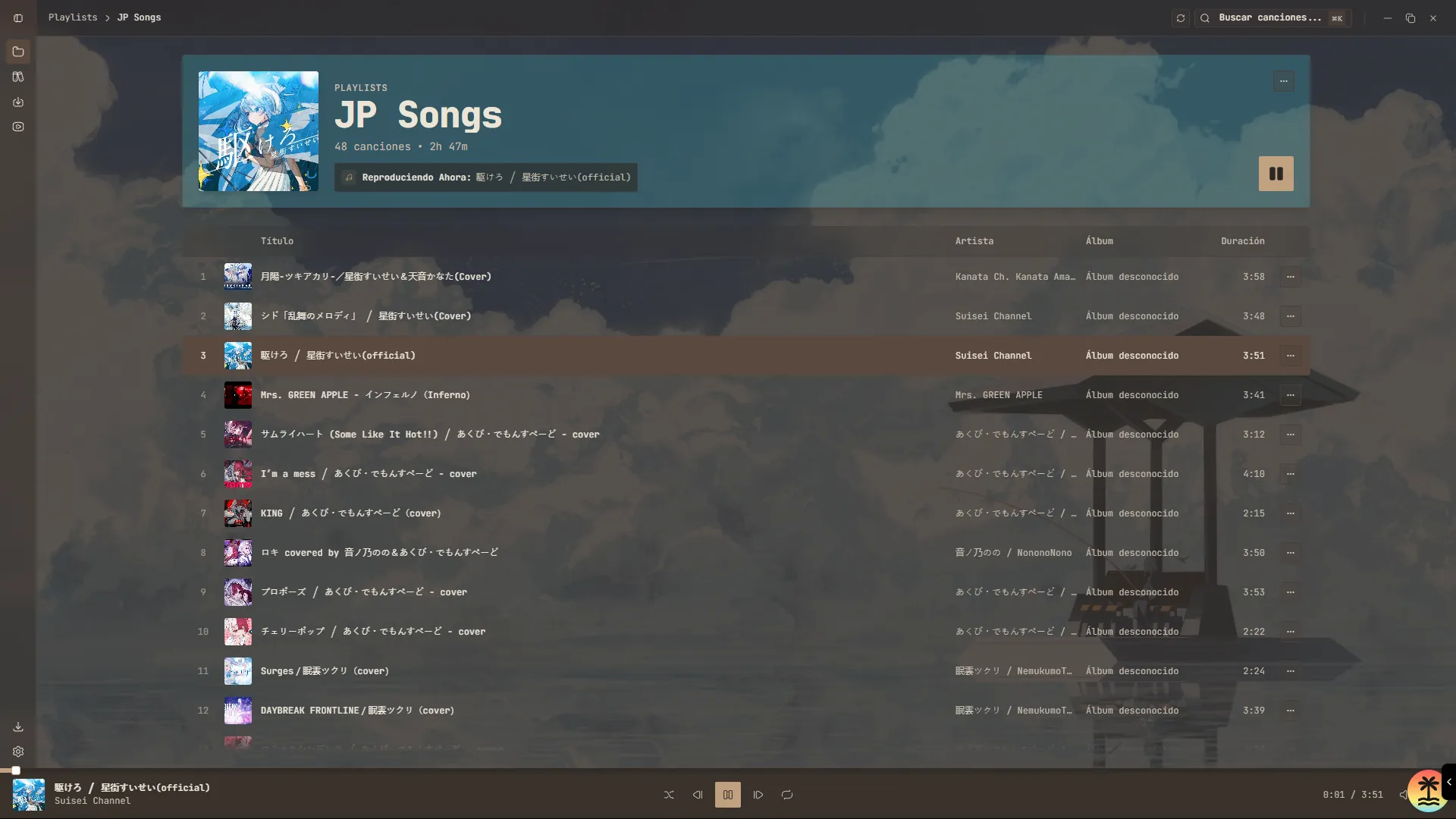
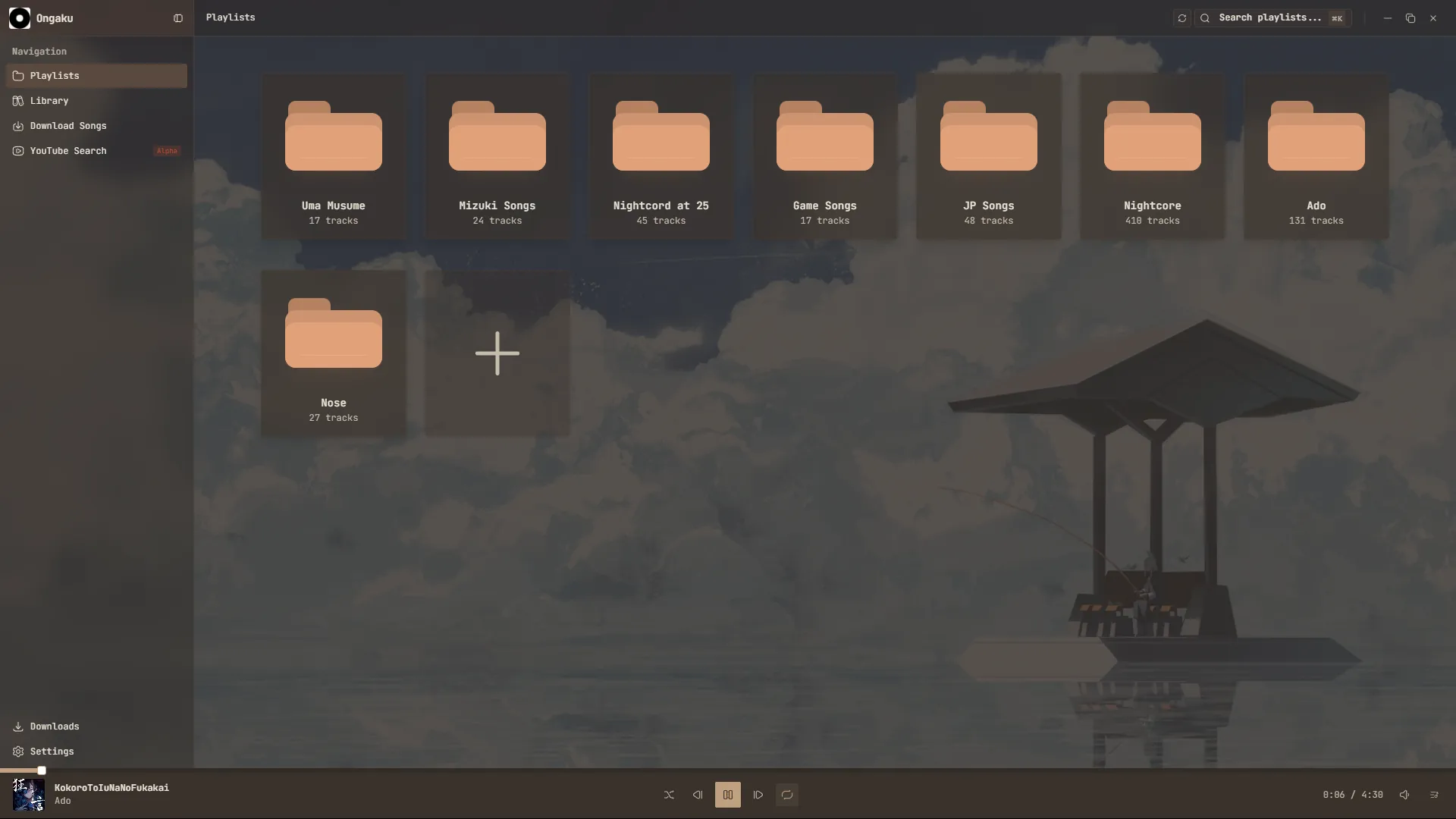
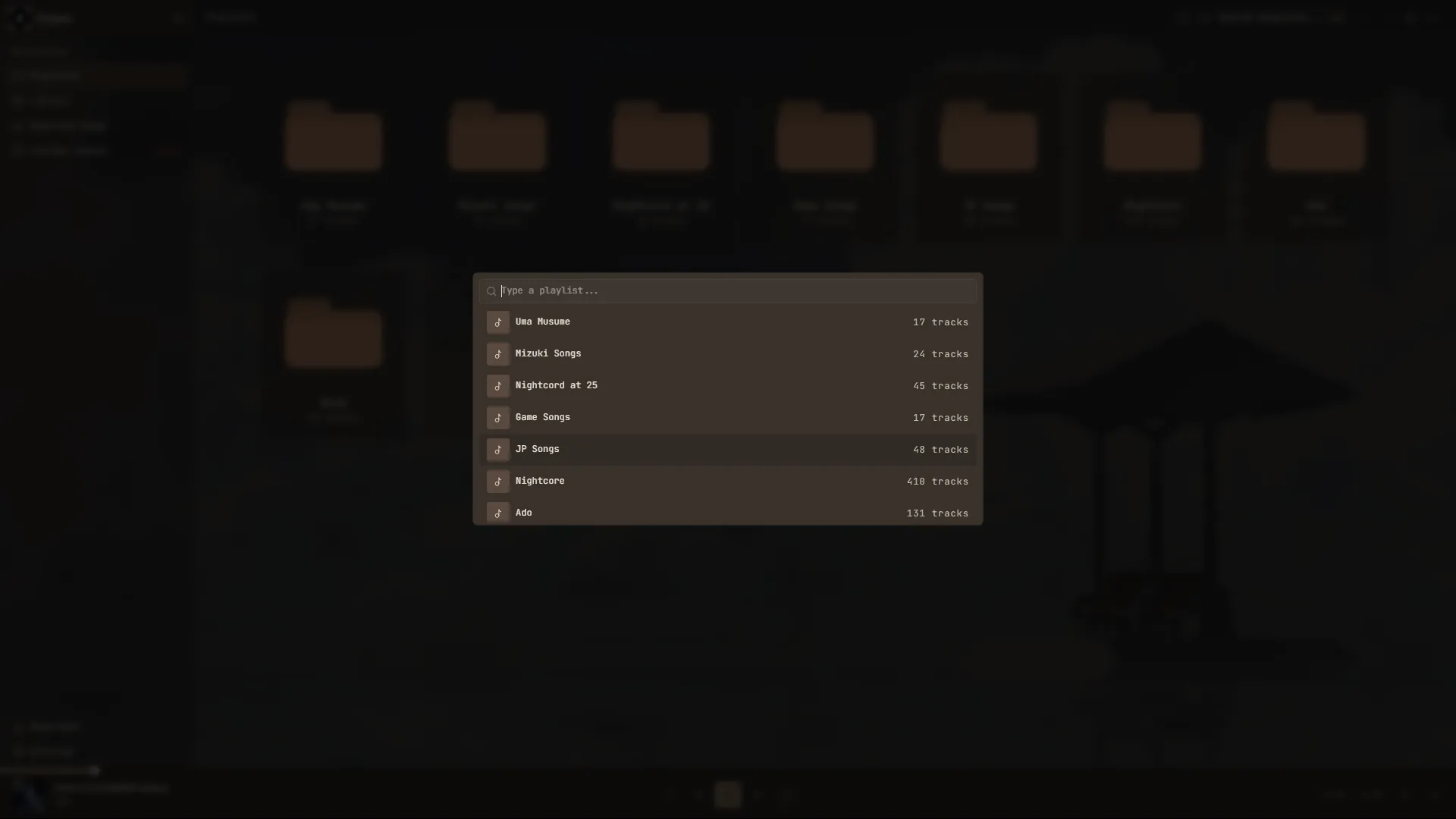
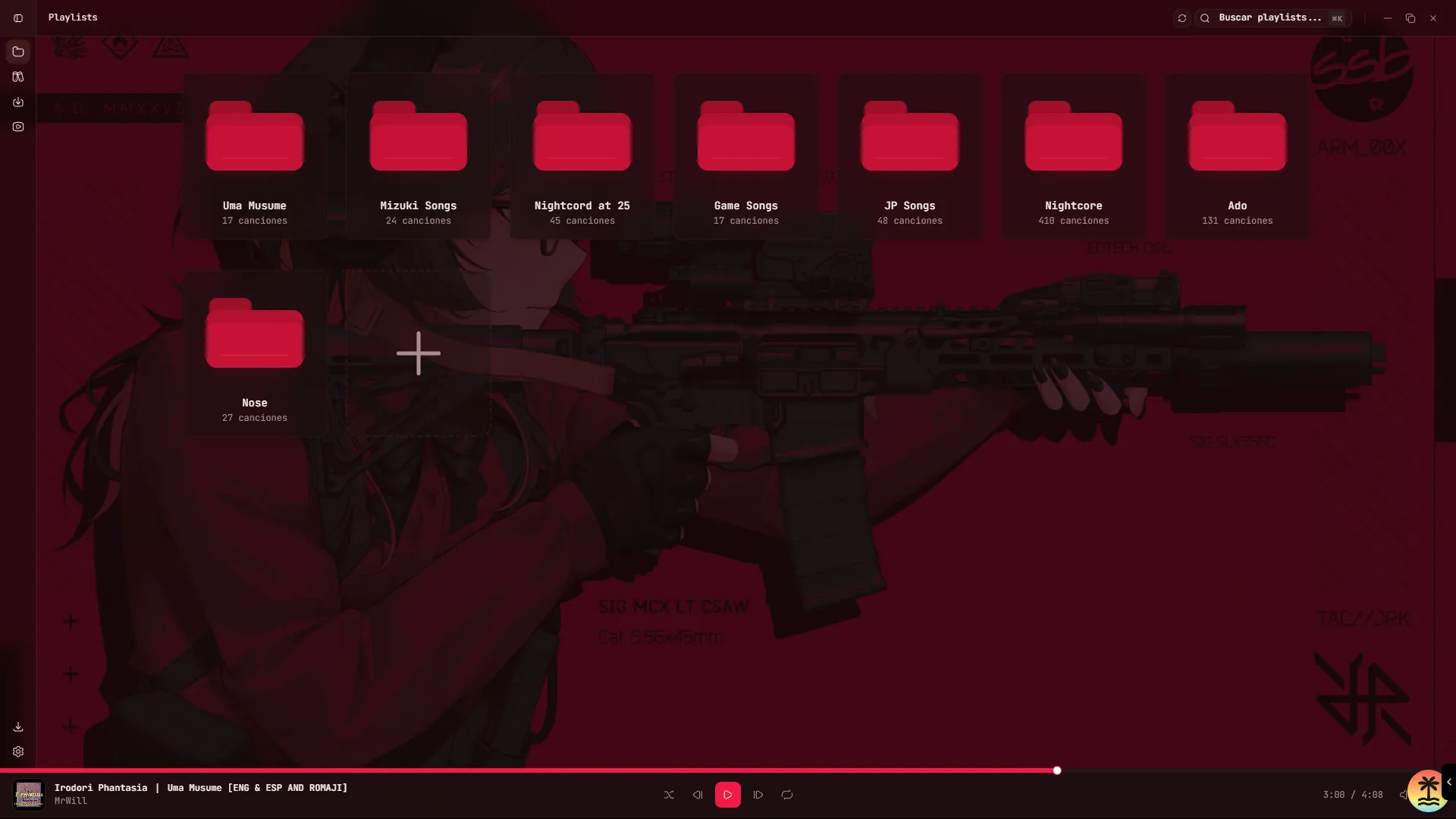
Every screen below is captured from Ongaku. Search, organize, download and listen without switching tools.
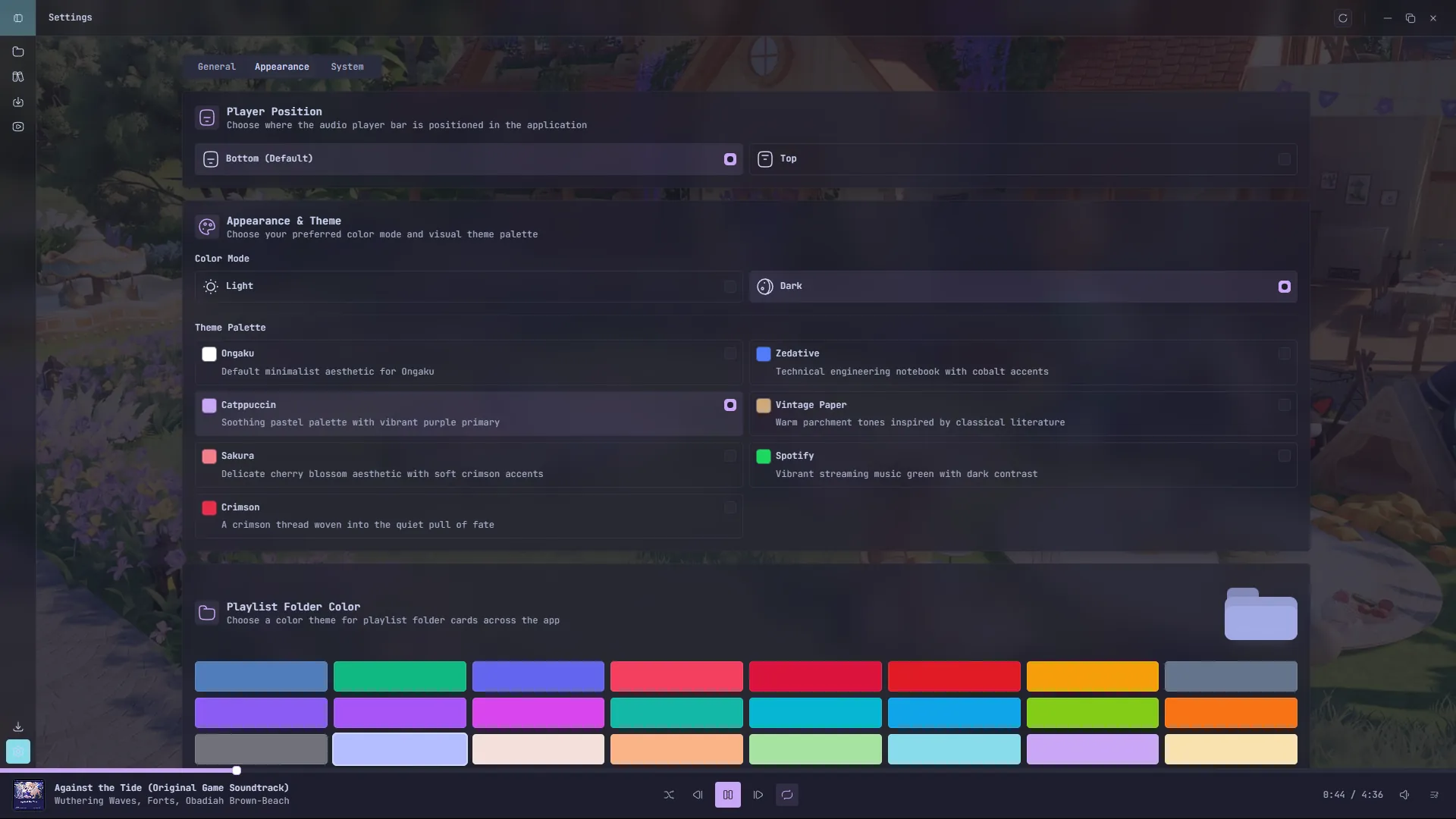
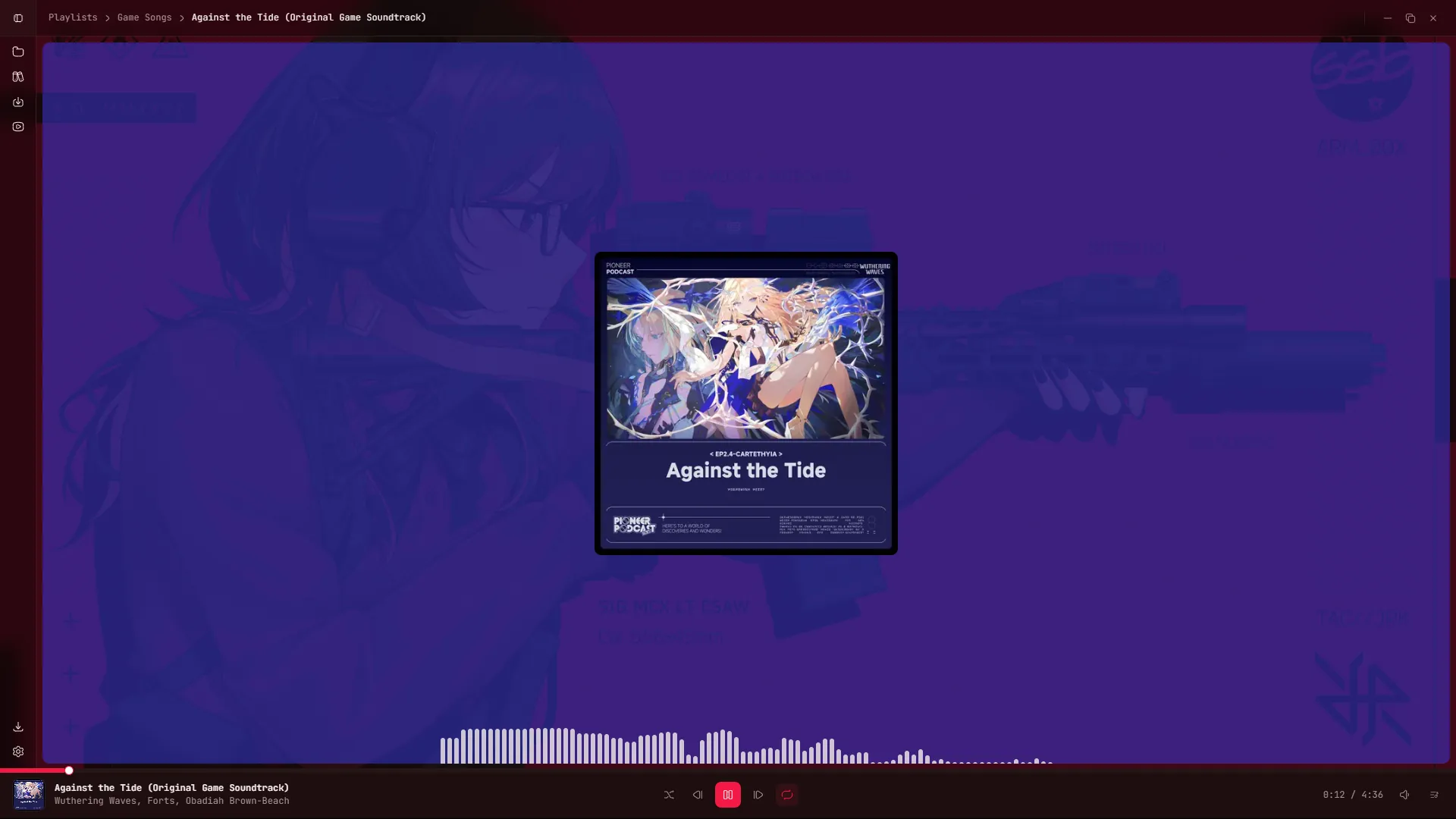
What's inside
Scan folders, read tags and play your own files with a native audio engine.
Find tracks, preview results and add them to your library without a browser tab.
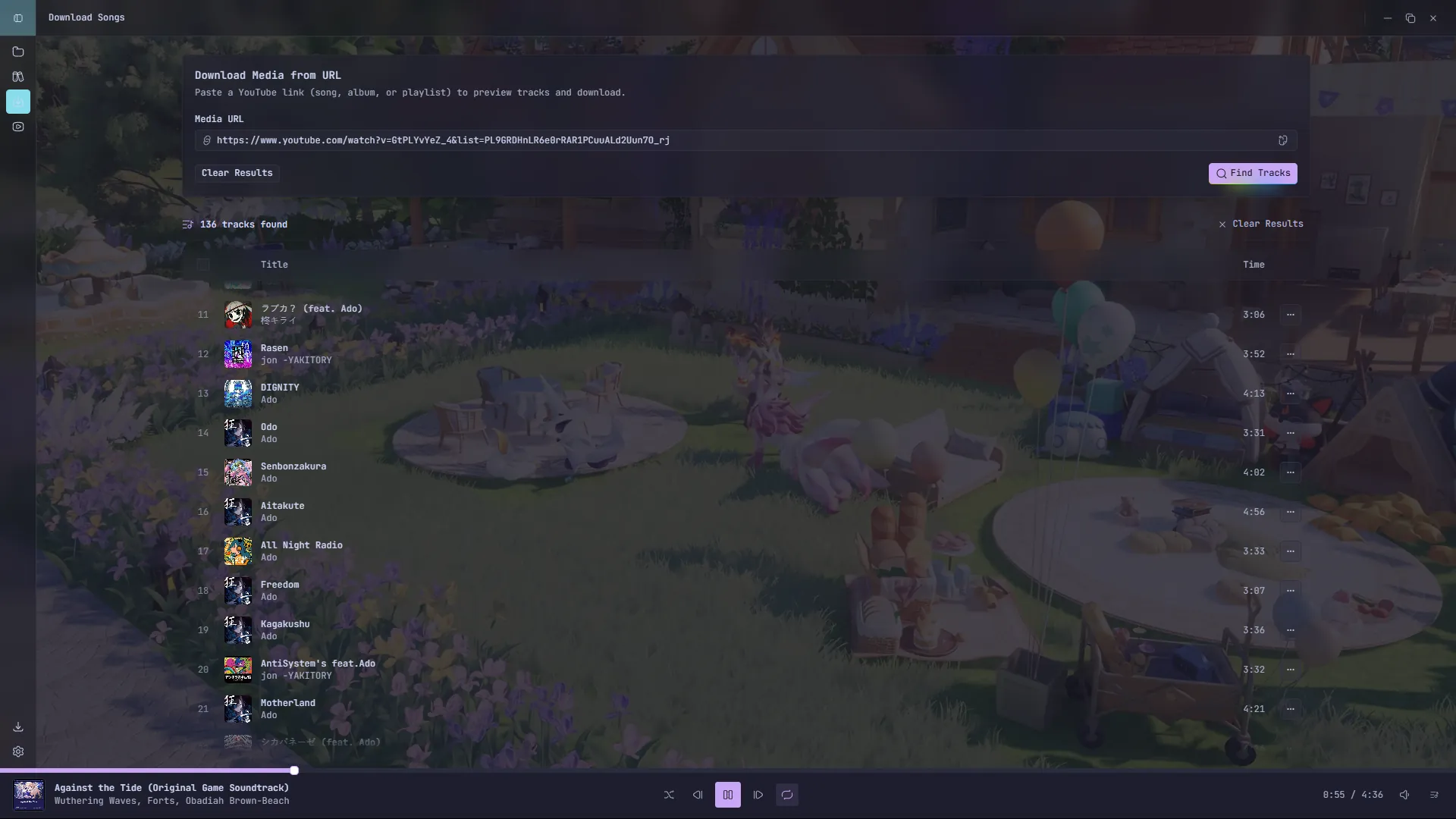
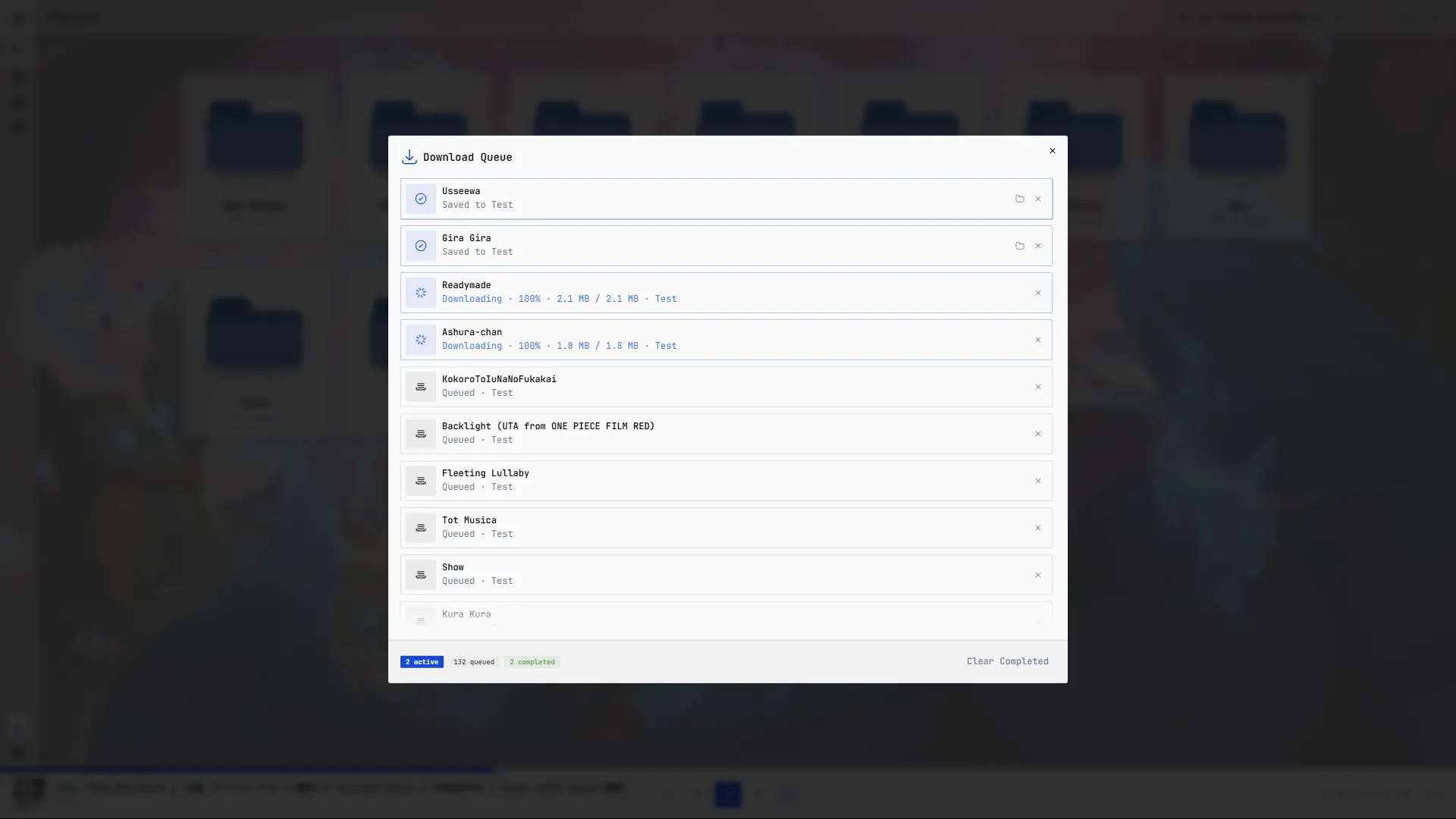
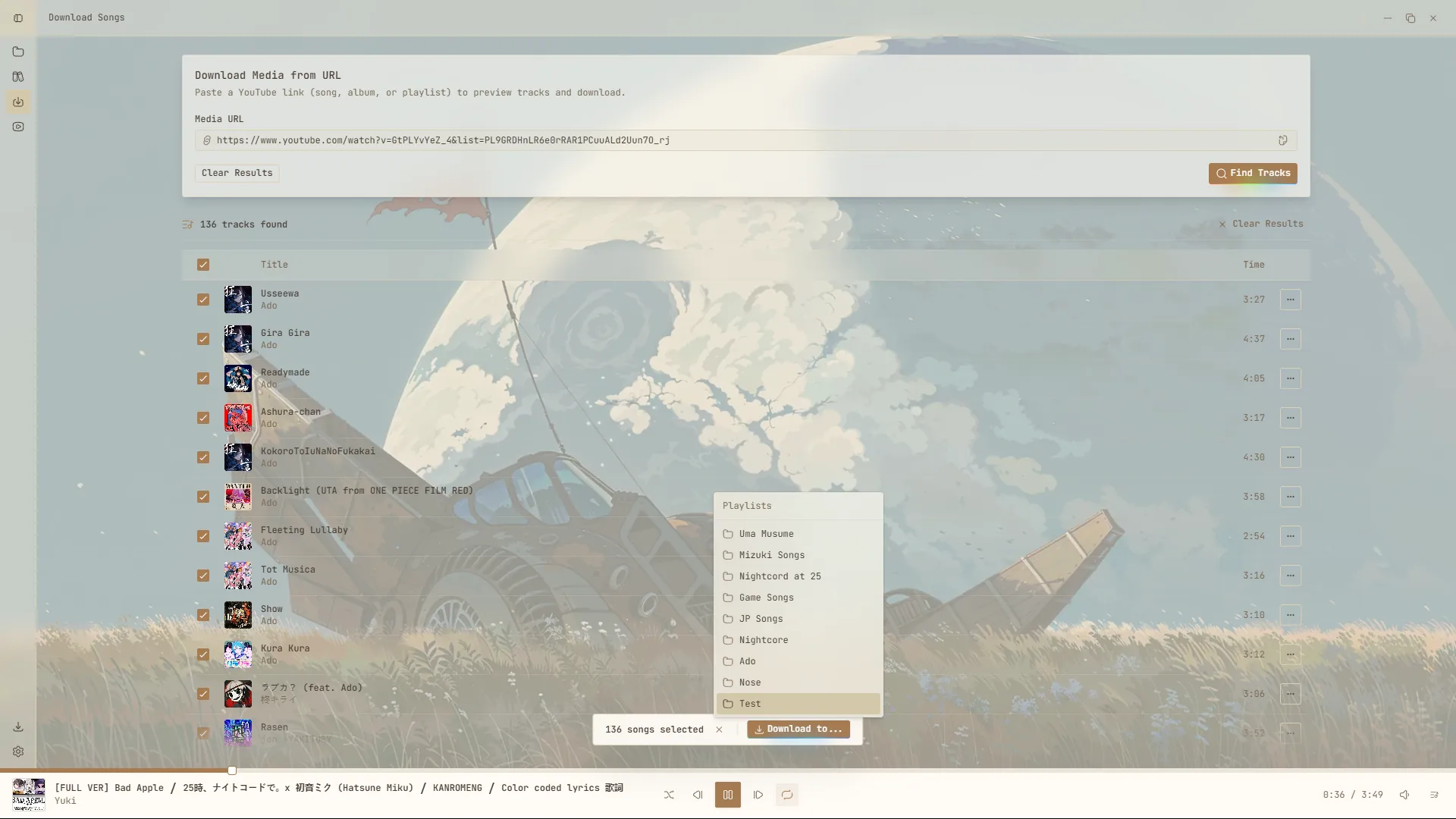
Paste a song, album or playlist URL, review the tracks and download only what you want.
Built with Tauri for Windows, macOS and Linux. Small binary, real desktop behavior.
Installers are published with every release on GitHub. Pick your platform, download the latest build and keep your library local.
The button always points to the newest build for your platform.